You can manage manifest of your PWA:
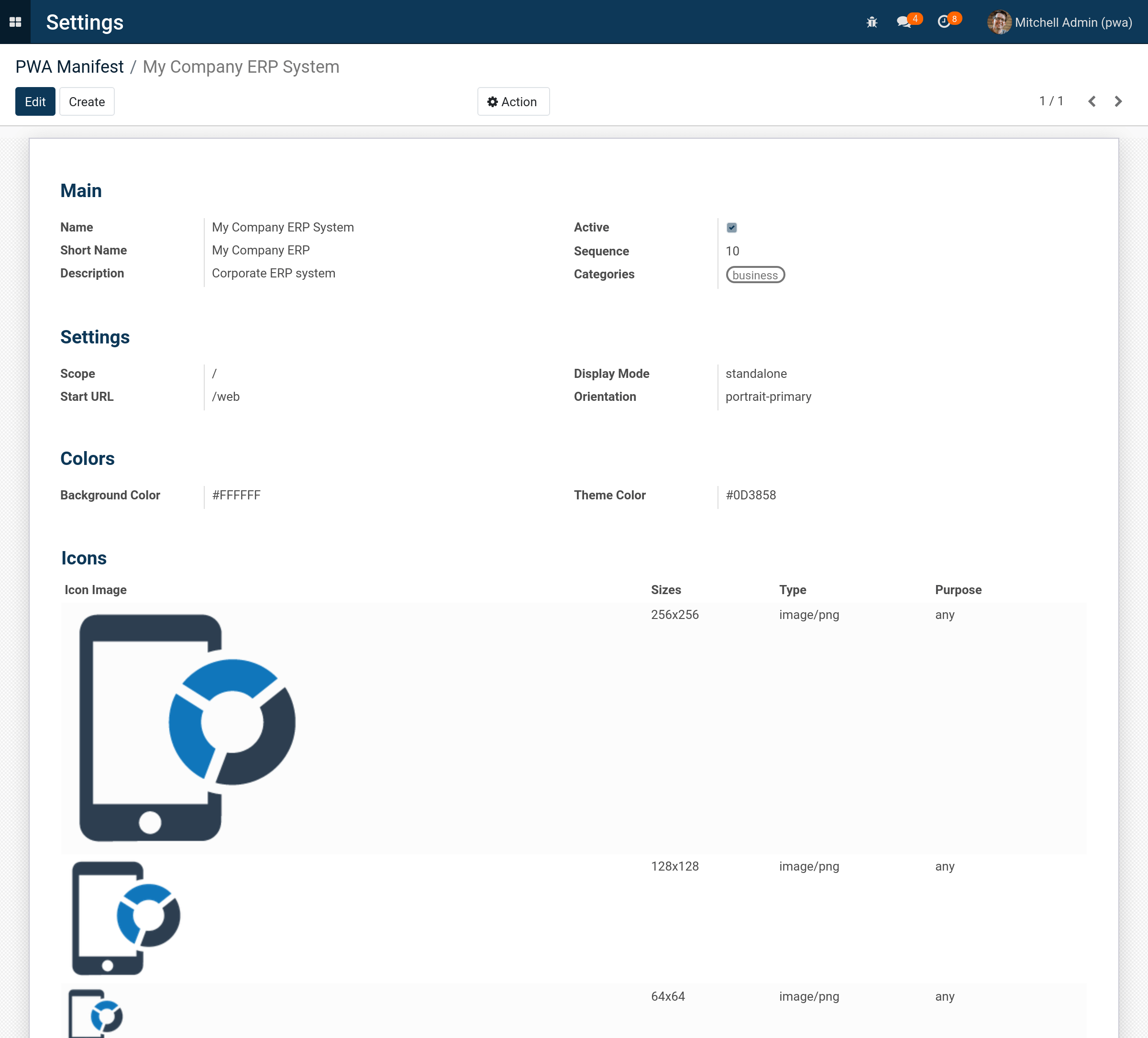
After adding a PWA manifest user will see installation promoting:

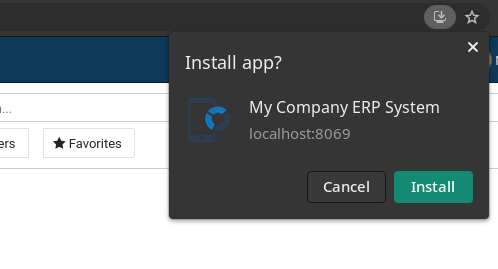
Offline Page Fallback
If user is offline (no internet connection) the fallback page will display
Desktop

Mobile
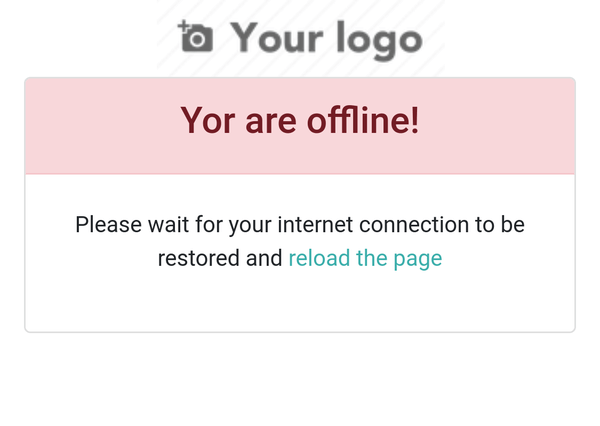
PWA requirements:
To make the web site installable, it needs the following things in place:
- A web manifest, with the correct fields filled in (you can add it in technical settings of the system)
- The web site to be served from a secure (HTTPS) domain
- An icon to represent the app on the device
Also the PWA will work correctly only your erp system has one database, as it is common case for production server.
If you want to use PWA with multiple database, it is also available. But in this case you need to change your configuration file and add the "xf_pwa" module to the "--load" parameter.
server_wide_modules = base,web,xf_pwa
Modules Update Indicator
Also the module checks and shows the number of updated modules in the system so that user refreshes the page in order to updates take effect
Desktop Interface
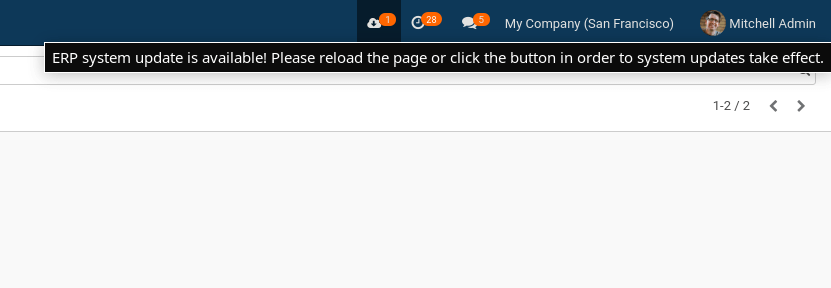
When you upload the new version of any module, the system will show special icon with counter for system users. The indicator draws attention of users to the fact that they need to refresh the page in order to frontend updates take effect.
When user clicks the icon or reloads page, the indicator will disappear.
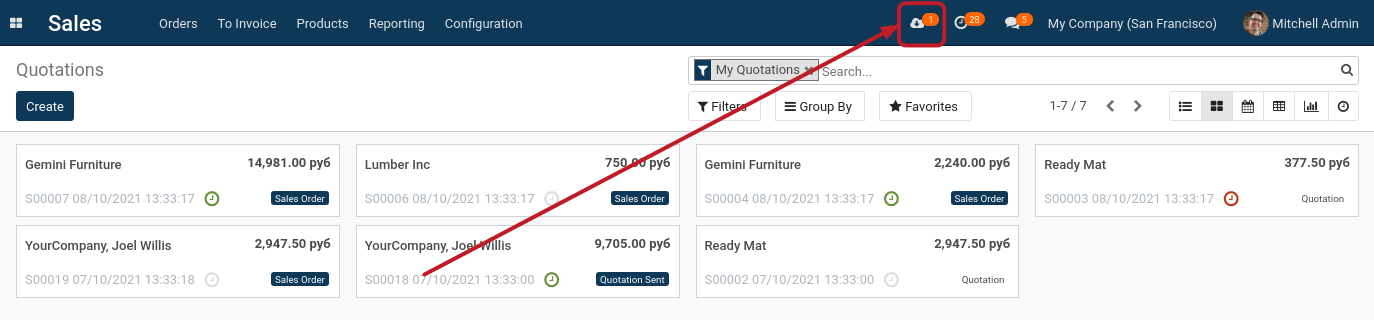
The hint is displayed when mouse hovers the counter:
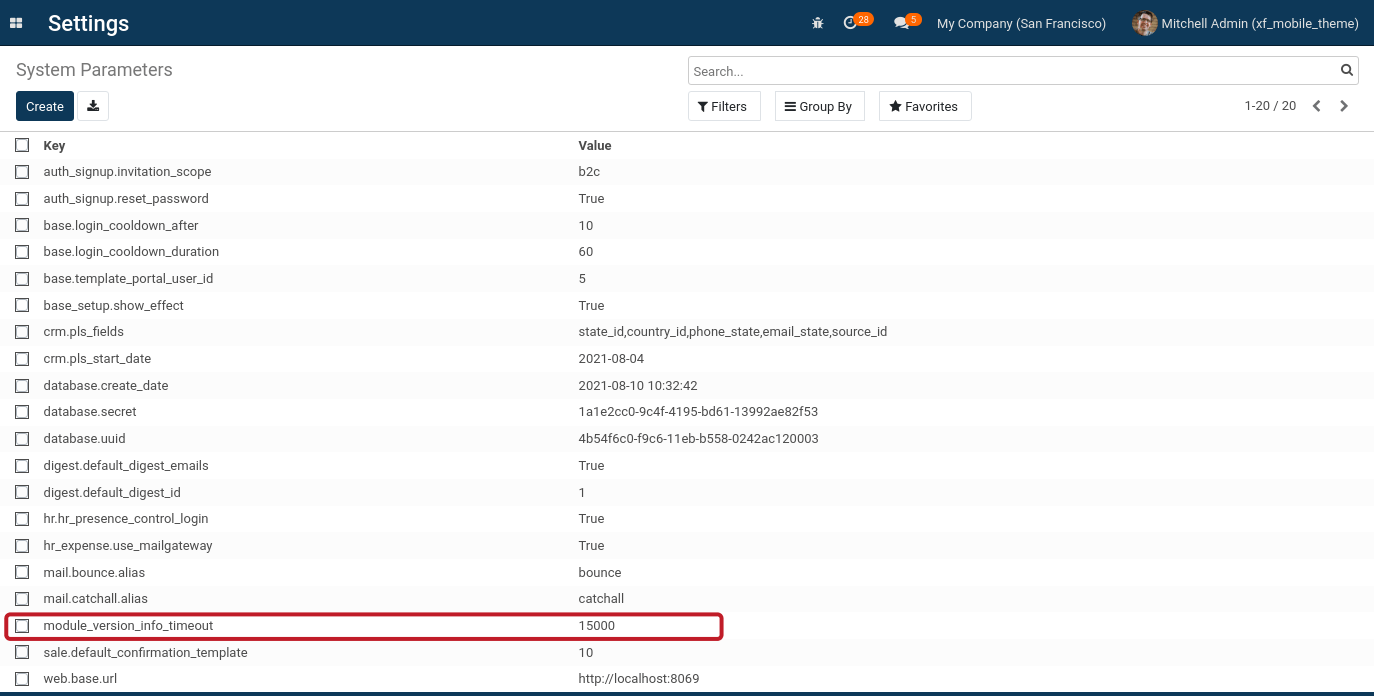
Administrator can change interval of checking in milliseconds. 10 min is set by default (600000 ms):
Email: xfanis.dev@gmail.com
Telegram: https://t.me/xfanis
Twitter: https://twitter.com/XFanis_Dev