Images in HTML Fields as Attachments
by XFanis
$15.00
total
/ version
Buy on Odoo Apps Store
Official Odoo store · pay by card
Requires
Odoo modules
Initial Setup Tools
Images in HTML Fields as Attachments for Odoo
An image pasted or dropped into a rich-text field is saved by the editor as an inline base64
string. Such a string is about a third larger than the image and is stored in the text of every
record that contains it.
This module saves the images as attachments of the record and inserts them by link instead, so the PostgreSQL database keeps a short link, and the image itself goes to the filestore.
This module saves the images as attachments of the record and inserts them by link instead, so the PostgreSQL database keeps a short link, and the image itself goes to the filestore.
Key Features:
- Choose the HTML fields to process in Settings, any stored HTML field of any model
- Pasted and dropped images become attachments of the record automatically on save
- An image repeated in a record is stored once
- Images copied between records are duplicated, so deleting the source never breaks the copy
- Access is respected: a file is copied only when the user may read it or the link carries a valid token
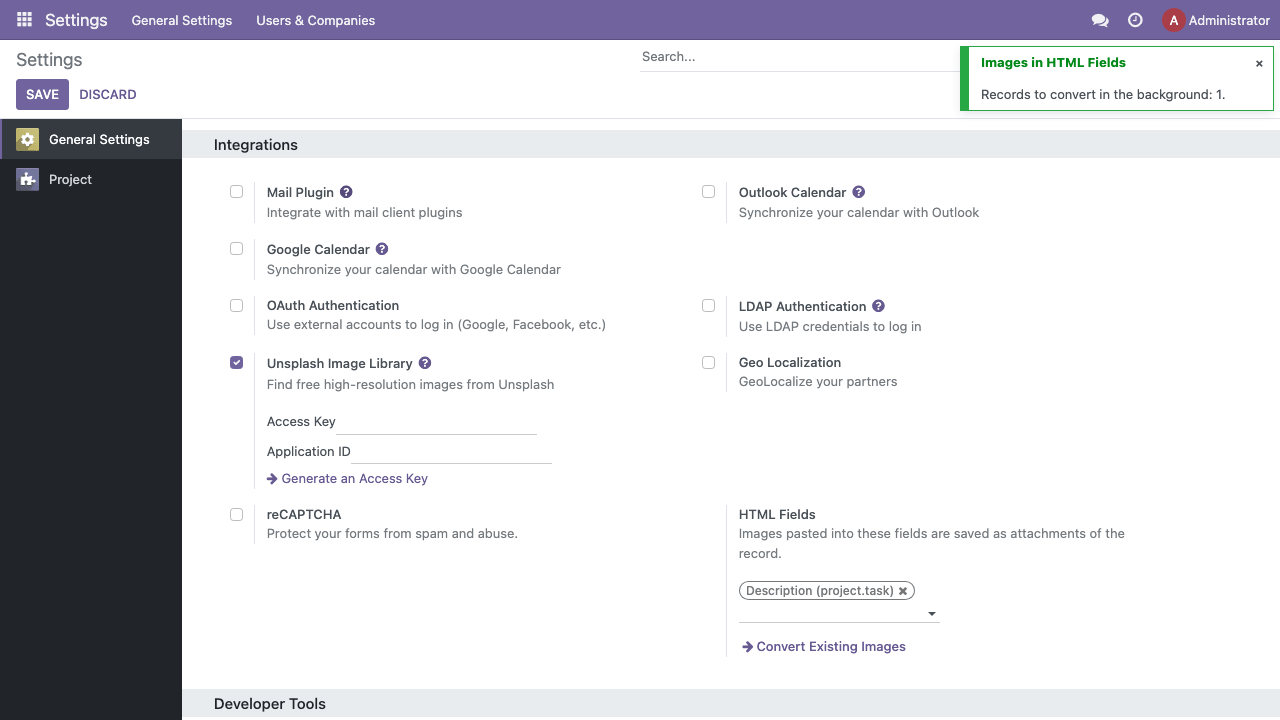
- Already stored content is converted in the background by one button, no extra apps required
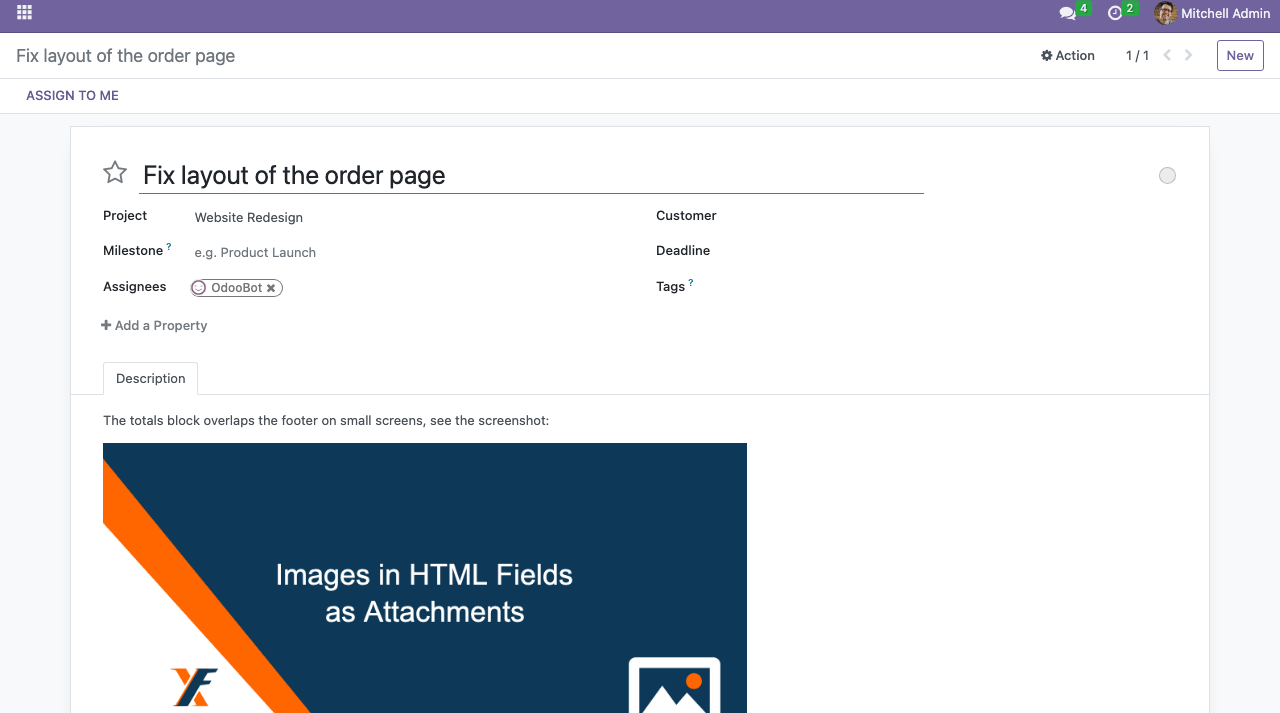
- Works with the project task description out of the box
Why use it:
- Smaller PostgreSQL database. Image data leaves the tables, and the text columns of descriptions shrink to the size of the text itself
- Easier maintenance of the database and the server. A smaller database means faster backups and restores, smaller dumps and less data to replicate. Records with long descriptions are read with less memory, because the text no longer carries image data
- Readable content. A description with a link is short, so it is easy to read in exports, in API responses and for AI agents, which do not have to process image data in the text
- Standard handling of files. Images are regular attachments: they can be found, checked and cleaned up with the usual tools and are counted in the filestore, not in the database
Screenshots:
How to Use the Module:
- Install the xf_html_image module
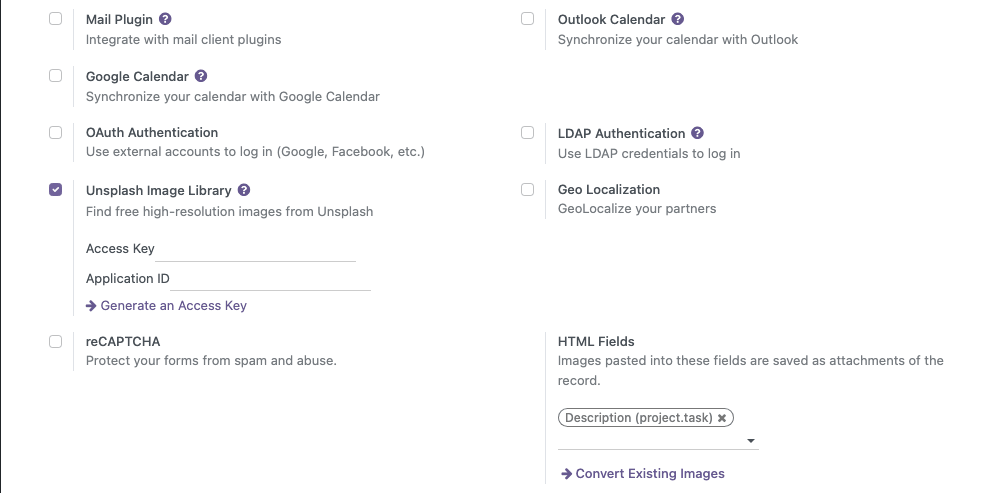
- Open Settings → General Settings → Integrations and pick the HTML fields to process (the project task description is selected by default)
- Paste or drop an image into any of these fields and save the record: the image is stored as an attachment and inserted by link
- Press Convert Existing Images to move the images saved earlier. The conversion runs in the background in batches, so it is safe for big databases
Contact me for Support, Customization, Implementation:
Email: sales@xfanis.dev
Telegram: https://t.me/xfanis
Email: sales@xfanis.dev
Telegram: https://t.me/xfanis
Want to know when this module gets a new version or fixes? Subscribe to updates (one email to sales@xfanis.dev, no spam).